
Returning to the experiments of Google Labs this week, I decided to use Whisk to create a few Christmas card options. The results are…variable…

Whisk works by combining up to three images – one subject, one scene, and one style into a new, blended, concoction.
You can choose to upload an image (you need to have the rights to use it), or prompt to generate an image.
You may want to open the settings section and switch Precise Reference on to get Nano Banana on the generation job.

You can choose to use two or three images (I often don’t bother with the style one) and see what comes out.
Note: Watch out for the little yellow tick in the top right corner of the image (once it’s uploaded or generated). If the tick isn’t there, the image won’t be included in your final whisk.
I tried a couple of different image generation combinations, with the first one being deliberately difficult. You can tell from the results…
Mistletoad
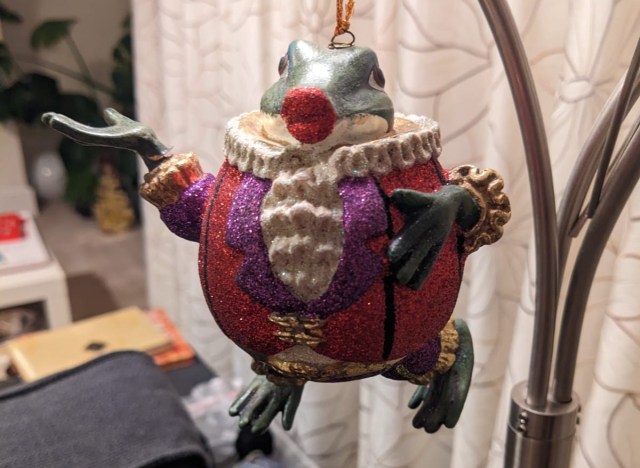


Results:

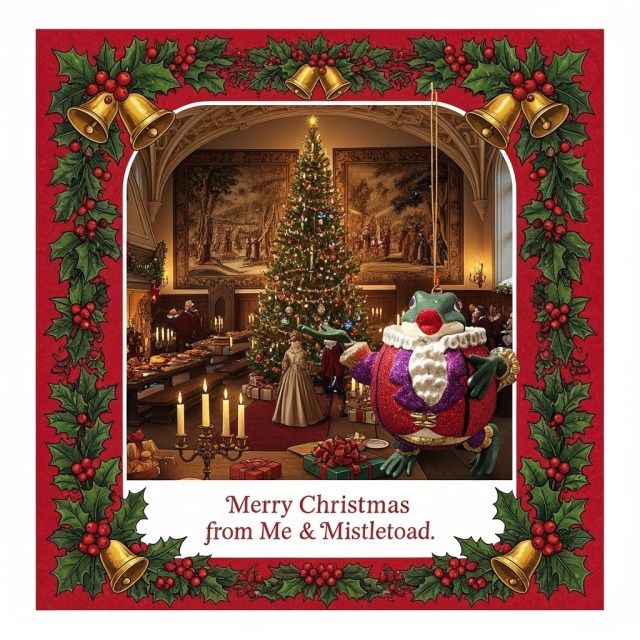
Well, they’re different…
Watercolour street scene
This one plays more to the tool’s strengths:



The Whisk prompt was: Make the subject’s clothing more in tune with the scene and style colours and create a Christmas card picture.
Result (dogs in sleigh not included)

I refined one of the images to add the words Merry Christmas (good luck spotting them)
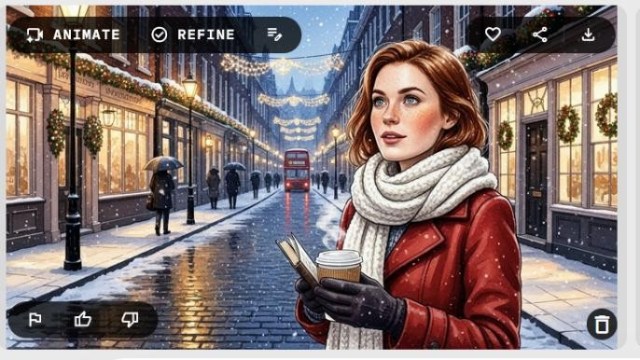

You can also animate if you want. It’s a great way to try out Veo3 but keep an eye on the number of animations you have left to use, you only seem to get 10 goes at it.

And I’ve uploaded the final animation to YouTube as, even in GIF form, it was 10MB, which this web page was not going to like.
I hope you have fun with this tool! It’s not the most practical, but it is a chance to play, which we don’t get enough of these days.
 AI for Squishy Humans