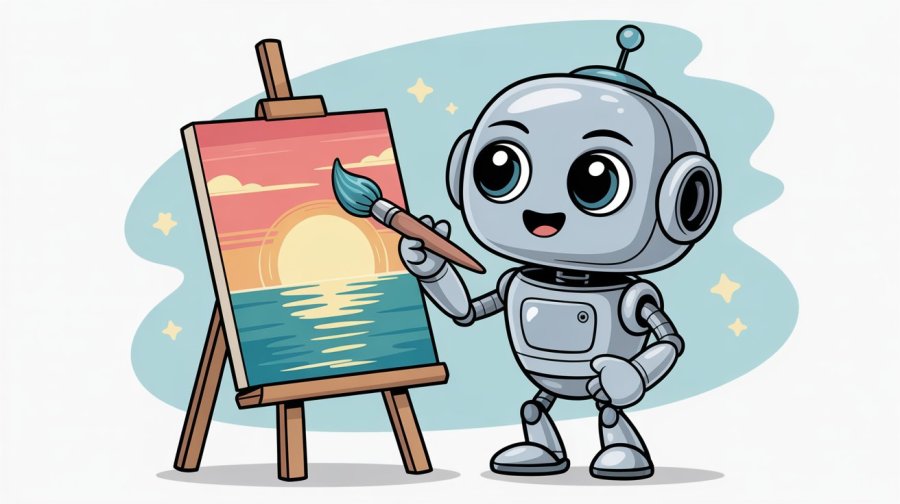
There’s been a lot of chat and excitement about Gemini’s new image generator – Nano Banana (where do they get these names from?). It’s even available in Adobe Photoshop now.
While it’s a good image generator, its real strength is in editing. You can edit via text prompt and unlike previous models from various platforms, this one makes ONLY the changes you ask for. It doesn’t re-generate (and change – subtly or otherwise) the entire image.
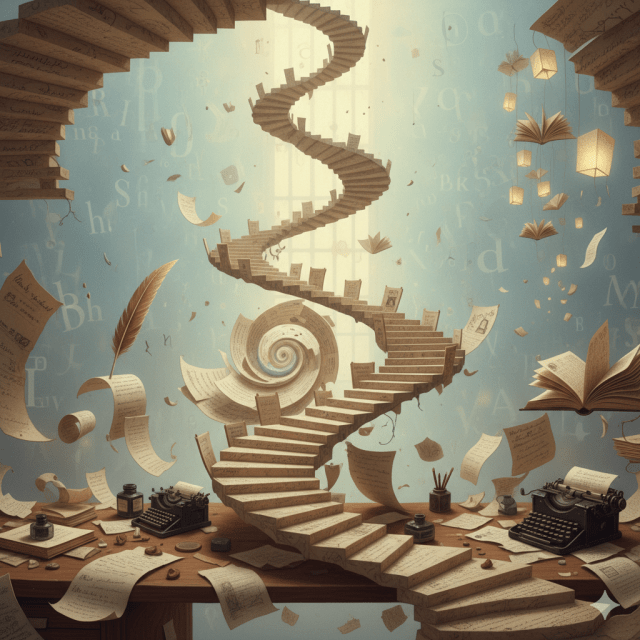
As an example, I wanted to come up with a picture for an Instagram post. I’d done a guest post on a writing blog and needed something that was both eye-catching and sort of made sense with the text I wanted to add.
I used ChatGPT to suggest some social snippets from the post, then got it to create an image prompt for this one: Fairytales give me scaffolding. A flexible structure I can build on, twist, or completely subvert when my characters decide to run off and solve crimes with cats instead of going to the ball.
I could have used ChatGPT’s built-in image generator, but they only allow three images a day. Gemini doesn’t have a set restriction. Plus, ChatGPT tends to make other little changes you didn’t ask for.


You can also upload and change images generated in other tools. Which, if you need something in an aspect ratio other than square, is helpful. The below picture of the girls is from Ideogram, I uploaded it and got Gemini to change them to boys.


Pity they both turned serious but, I could always do another edit.
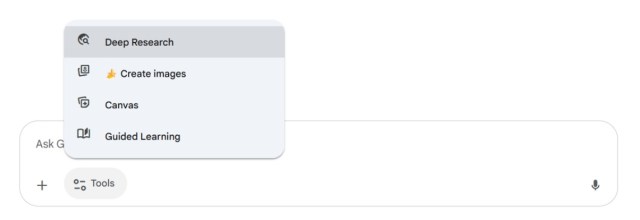
If you want to generate images in Gemini, you need to select the image generator as one of the tools in the prompt box (it’s helpfully marked with a banana).
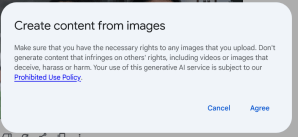
And, yes, you can use it to make deepfakes… although when you upload an image, Google does ask you to confirm you have permission to use whatever it is you’re uploading.
Since I’m allowed to use pictures of me… I popped in a pic of myself in, and sent myself on holiday.
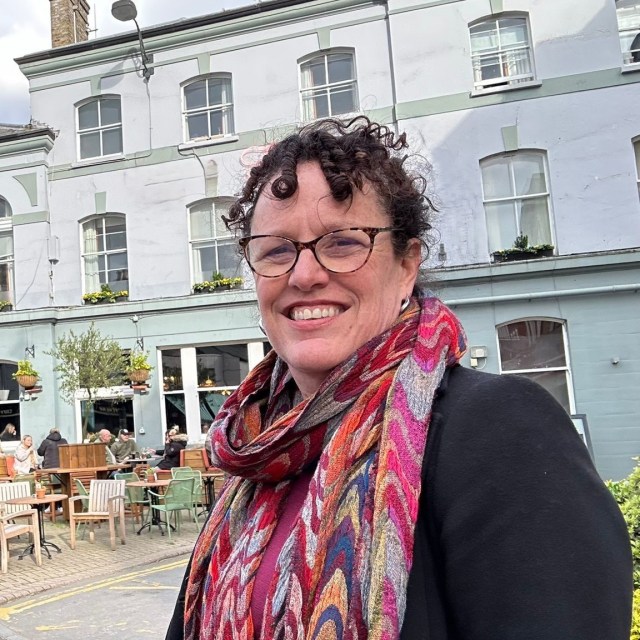

Is it flattering? No. Is recognisably me, in a completely different place, pose and outfit? Oh yeah.
The two takeaways:
- Nano banana is a super easy-to-use tool that creates and edits pictures for free, and
- Don’t believe anything you see on social media (or anywhere else, frankly).
 AI for Squishy Humans