
This is a tool I’ve yet to find any practical use for, but it’s just so much fun!!
Skybox is really for people making video games as its initial audience, and ripples out from there. This is a text to image generator, except the images are 360 degree views of worlds.
You generally start by going into an existing Skybox and changing the prompt.
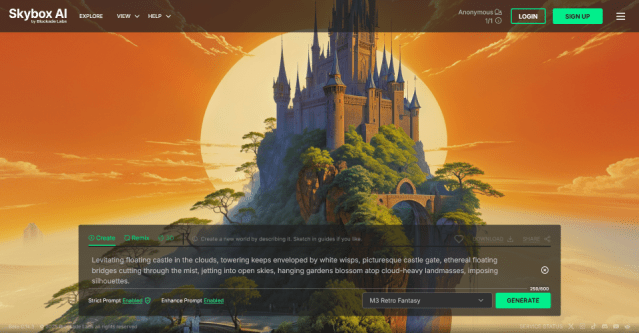
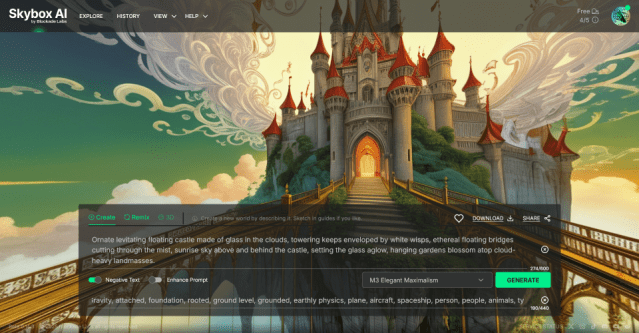
In addition to basic text prompting, you’ll see a negative prompt option at the bottom of the box in the second image above. If it’s hard to read, these are the things the original prompter wanted to stay out of their image (and I agreed with): Gravity, attached, foundation, rooted, ground level, grounded, earthly physics, plane, aircraft, spaceship, person, people, animals, typical, normal, expected, regular, boring, average, ugly.
Another thing you’ll see in the prompt box (to the immediate left of the Generate button) is a dropdown of different models – a bit like using Photo v Art in Firefly. And there are a few more than you might initally think…
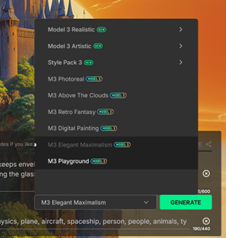
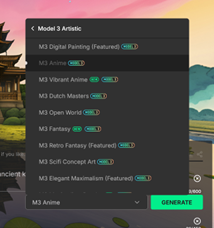
Your choice of model can make quite a difference. In the below pair of images, all I changed was the model, from Anime to Cinematic Realism…
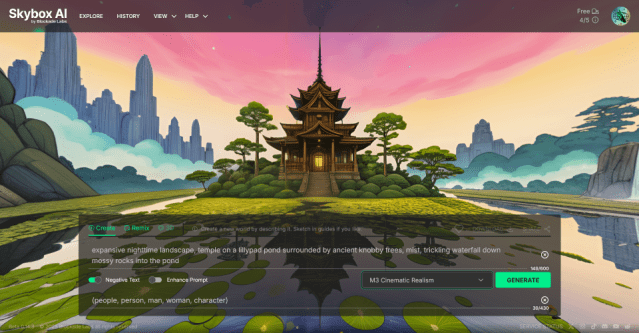
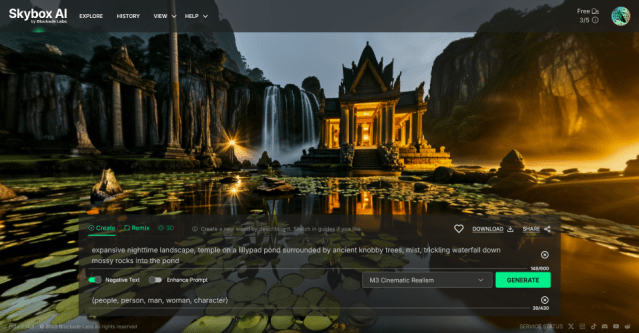
(As with the cloud castles above, you can click on the image to see the actual skybox – I recommend doing this on a larger screen if possible, it’s just more fun to click and drag around the image when you have more room).
The free plan allows you to generate up to 5 skyboxes a month, and share them, provided it’s for non commercial use. You can also download a sample (so watermarked and limited). I’ve never downloaded one, I prefer just exploring and seeing what I can dream up in my browser.
I’d love to see your created worlds!
 AI for Squishy Humans