The image generators are improving rapidly, and more are appearing all the time. Much like the LLMs, there are some tools that are built from scratch, and others which sit on top of others, with some fine tuning applied. The ones listed below are all ‘from scratch’ versions.
All the image generations tool other than Midjourney have a free tier that works on a credit system. You get a certain number of credits per day/week/month, and once you’ve used them up you either have to wait, or upgrade.
This is the set of tools where you’re most likely to see the bias in AI everyone talks about – it is everywhere, but images smack you in the face. A contact on LinkedIn wrote a wonderful article about trying to get an image of a man cleaning a toilet and failing. So, as with LLMs, prompt to combat bias, and push back on results that perpetuate it.
Image Prompting
Image generation is a skill you need to work your way into. Much like the LLMs, they each have their strengths, preferences, and quirks, and it’s a case of which works best for you, and with which phrases.
The super talented peeps at Neolemon suggest using this framework as a starting point:
- Subject: The main focus of the image.
- Description: Contextual details about the subject and its environment.
- Style/Aesthetic: Artistic approach, framing, and overall mood.
They also say that precision matters. If you know what you’re after, be as specific as possible. Vague or generic terms are going to give you a lucky dip result (which can be fun, but also frustrating if it’s not matching the image in your head).
One incredibly useful trick, is that most of the tools have an image gallery page (I’ve included links to them where relevant below). You can scroll through pictures other people have made, then click into them to see the prompts, and settings the original prompter used. It’s a brilliant way to pick up ideas and tips for getting the effects you want.
I also use Chat GPT. I give it a description, and ask it for 5 suggestions for image prompts, then copy/paste my favourite(s). Quite often I find the process of creating the prompt for the LLM gives me a pretty decent image prompt though, as it makes me organise my thoughts.
A note on the copyright etc on these images. Essentially, when you’re using the free versions of each of these tools, assume the images are produced under Creative Commons licence (i.e. available for anyone to use), and that they shouldn’t be used for commercial purposes. There are some that do allow it, but given the volatile nature of the area, I recommend checking the fine print for whichever tool you’re using, just in case.
And in a similar vein, be careful with your use of other people’s IP or brands in your prompts. Enterprise-oriented tools like Firefly and Bing Image Creator won’t generate images from prompts containing terms that might infringe on someone else’s copyright, but some of the others will. Keep in mind, the Disney lawyers make sharks look cuddly.
Some of the tools
Note: I’ve added the prompts I used for the example images at the bottom.
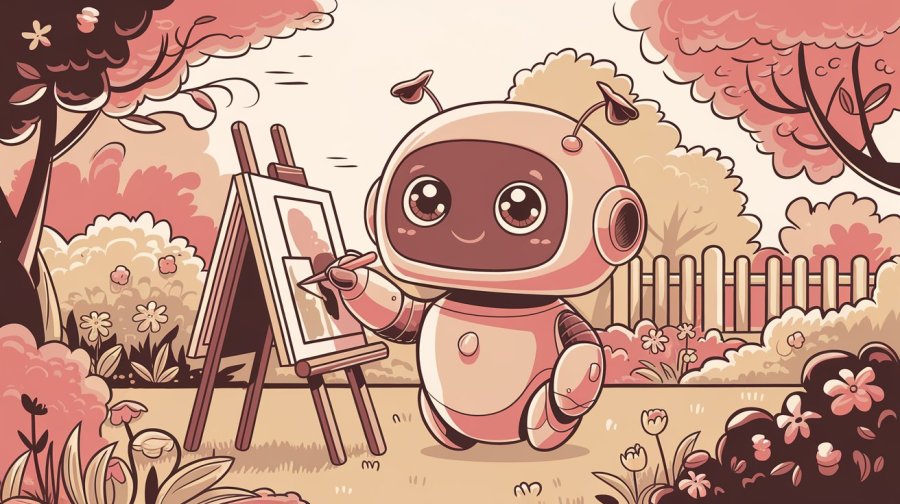
Midjourney: this tool is the one most often used as the benchmark for the others, but is only accessible via a paid subscription. The Midjourney Image Gallery is a great place to go for inspiration though. In its earlier days, the users got into the practice of including technical photography terms in their prompts (you can see what I mean at the end of this very cute picture prompt) so it (and some of the others) will respond quite well to these if you’re comfortable with them.
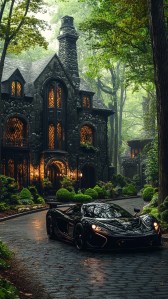
DALL-E: OpenAI’s image generator. You can use it in Chat GPT (max 3 images every 24 hours for the free tier) or in Bing Image Creator. There are no controls other than the text prompt, so you can’t change the image dimensions or style, but it’s generally one of the better ones at following the prompt.
DALL-E in Chat GPT
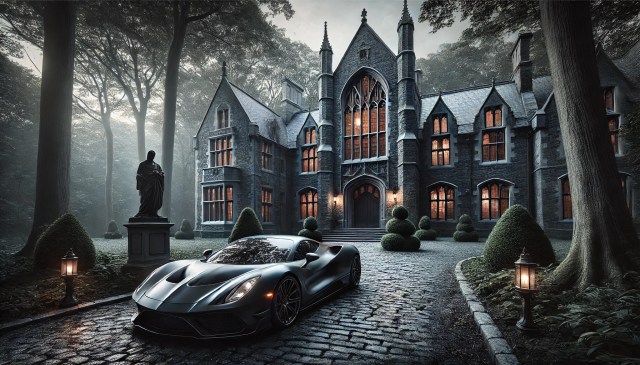
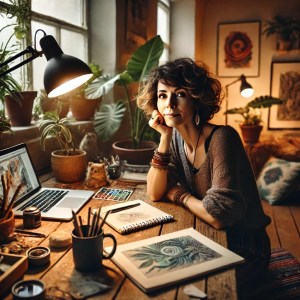
DALL-E in Bing Image Creator
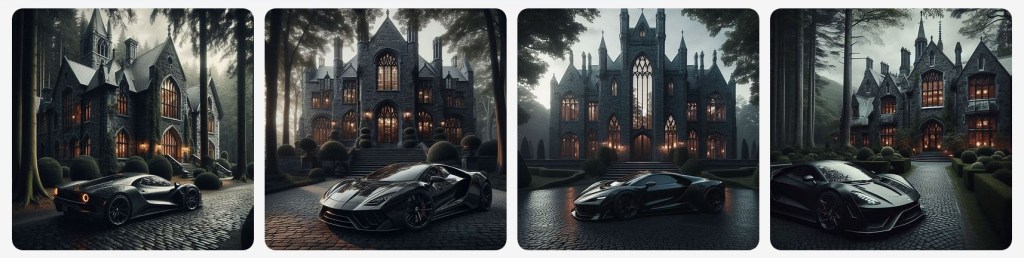
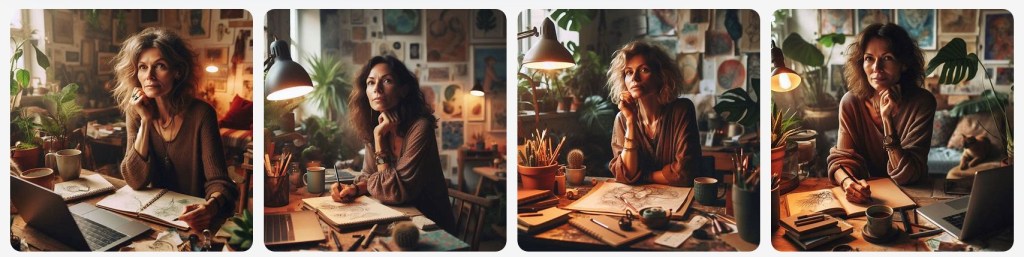
Imagen 3: Google’s one, available either through Gemini or ImageFX (part of Google’s AI Test Kitchen, which you might need to go onto a waitlist to get into). It can be a bit shy about showing up outside the US, some days I can’t get access to it, and there are also times it won’t generate images of people. When it does though, it’s on par with the others.
Imagen 3 in Gemini
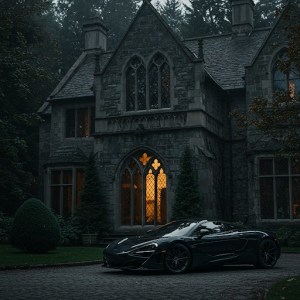
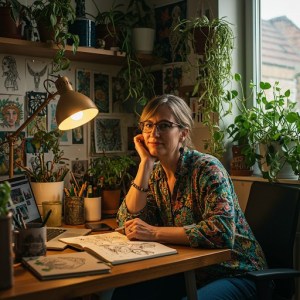
Imagen 3 in ImageFX
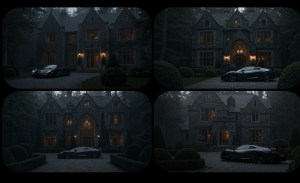
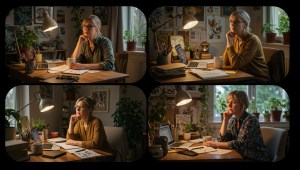
Firefly: Adobe’s contribution to the selection, made for businesses, so about the best at keeping you out of trouble around problematic IP prompts. It tends to be good at contemporary images and of course integrates with the Adobe Creative Suite. This is the Firefly image gallery.
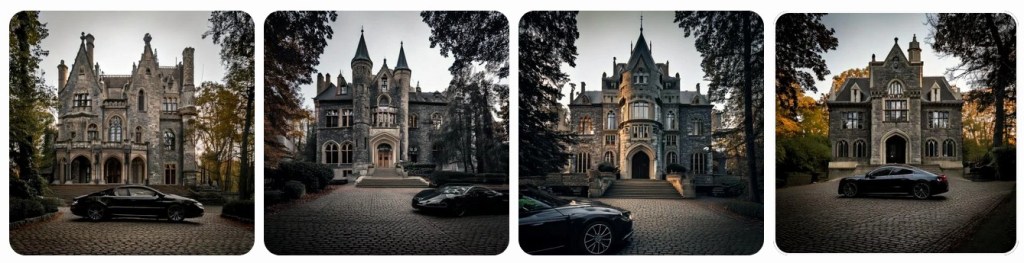
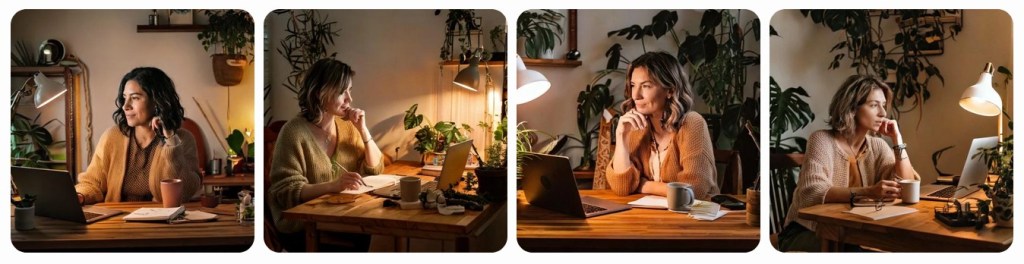
Ideogram: while it absolutely won’t keep you safe IP-use-wise Ideogram the best at text in images. It’s the one I usually use for this site because of that. You can find the Ideogram image gallery here.
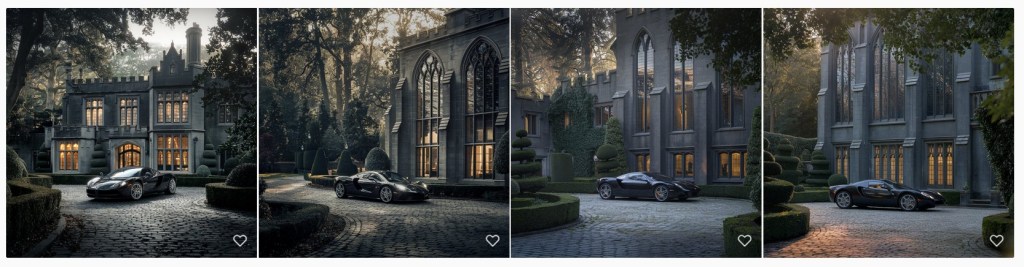
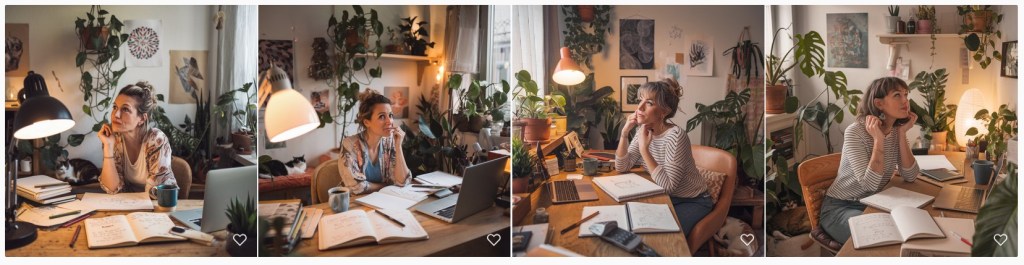
Leonardo.ai: an Australian-built image generator, recently bought by Canva, so if that’s a tool you’ll use, this is their AI image engine. The interface is a bit more complicated, with access to multiple underlying models and fine tuned tweaks. It’s aimed more at design professionals. You can see the Leonardo image gallery here.
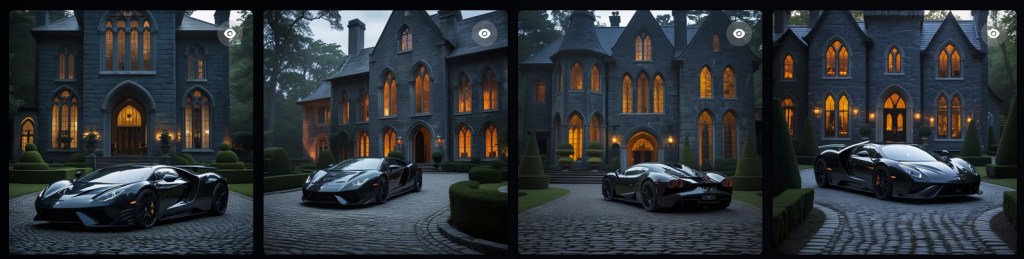
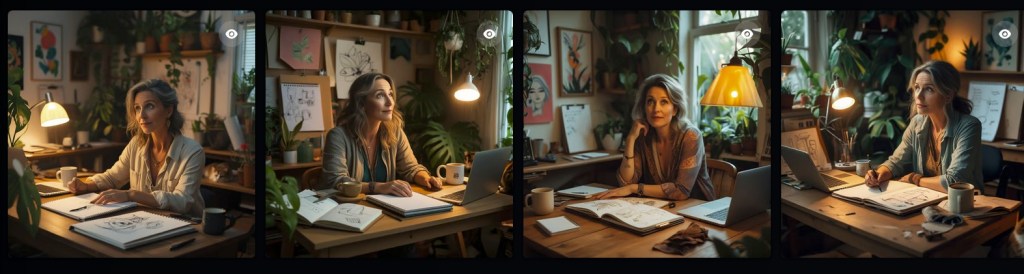
Kling (Kolor): is a Chinese-built image and video generator. Kling is the video generator and main focus, but Kolor is a great tool when you maybe want something slightly different – although that can sometimes mean all-out weird – the portrait prompt specifically asks for a 40-something woman…
Prompts used for image examples
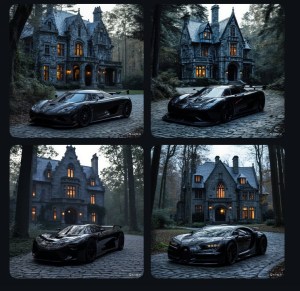
Landscape (used a Midjourney example to be able to show their image): In a secluded, forest-lined estate, a brooding stone mansion looms with tall gothic windows reflecting dappled light off deep gray rock. A sleek, midnight-black supercar sits on the cobblestone drive, its aggressive design echoing the building’s imposing façade. Hints of warm light spill from the arched glass, suggesting refined comforts within–yet the sculpted topiary and hushed grounds hint at mysteries unsaid. It is a stage set for power, dark elegance, and quiet opulence in equal measure.
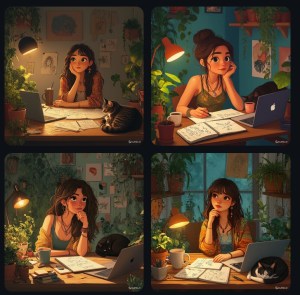
Portrait (this is a Chat GPT prompt based on a persona creation chat): A woman in her early 40s with an artistic, slightly bohemian style, working in a cosy, plant-filled home studio. She sits at a wooden desk, surrounded by a sketchbook, a laptop, and a coffee mug, with a warm lamp casting a soft glow. She looks thoughtful, slightly curious, as if considering a new idea. The space is decorated with personal touches—art on the walls, an open notebook with scribbled ideas, and a cat curled up nearby. The vibe is warm, inviting, and creative.
The usual caveat: This area of tech is moving insanely fast and while I’m aiming to stick to the foundations here, if you’re reading this post more than a month after it was published, check the details, things could be out of date.
 AI for Squishy Humans
Pingback: AI Video Generators – AI for Squishy Humans
Pingback: Making Music with AI – AI for Squishy Humans